Free demo for Windows

Snap
Station

Offline photo booth sharing. Every new shot lands in a live gallery on guests' phones, with a QR code to save it.

Request the demoVersion 0.0.7 · Windows 10 and 11

See it in action

Features
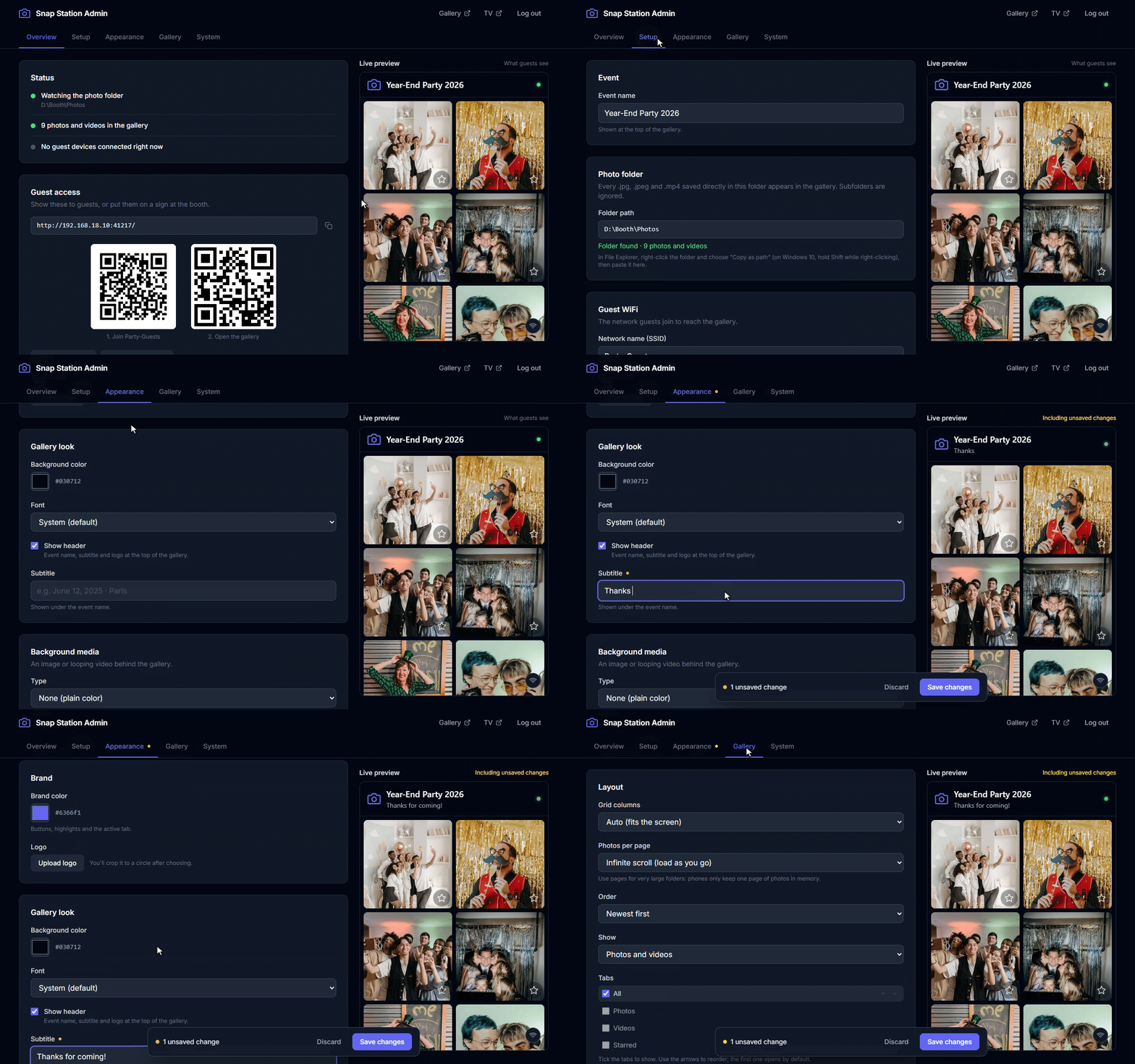
Snap Station admin page showing the event name, the watch folder and QR codes for the guest WiFi and gallery

Set up in a few minutes

Point Snap Station at the folder your booth or camera software saves into, then add the event name and the WiFi details. The admin page gives you the guest address and a QR code to join the network. Brand the gallery with your logo, colors and font, or lock it with a PIN.
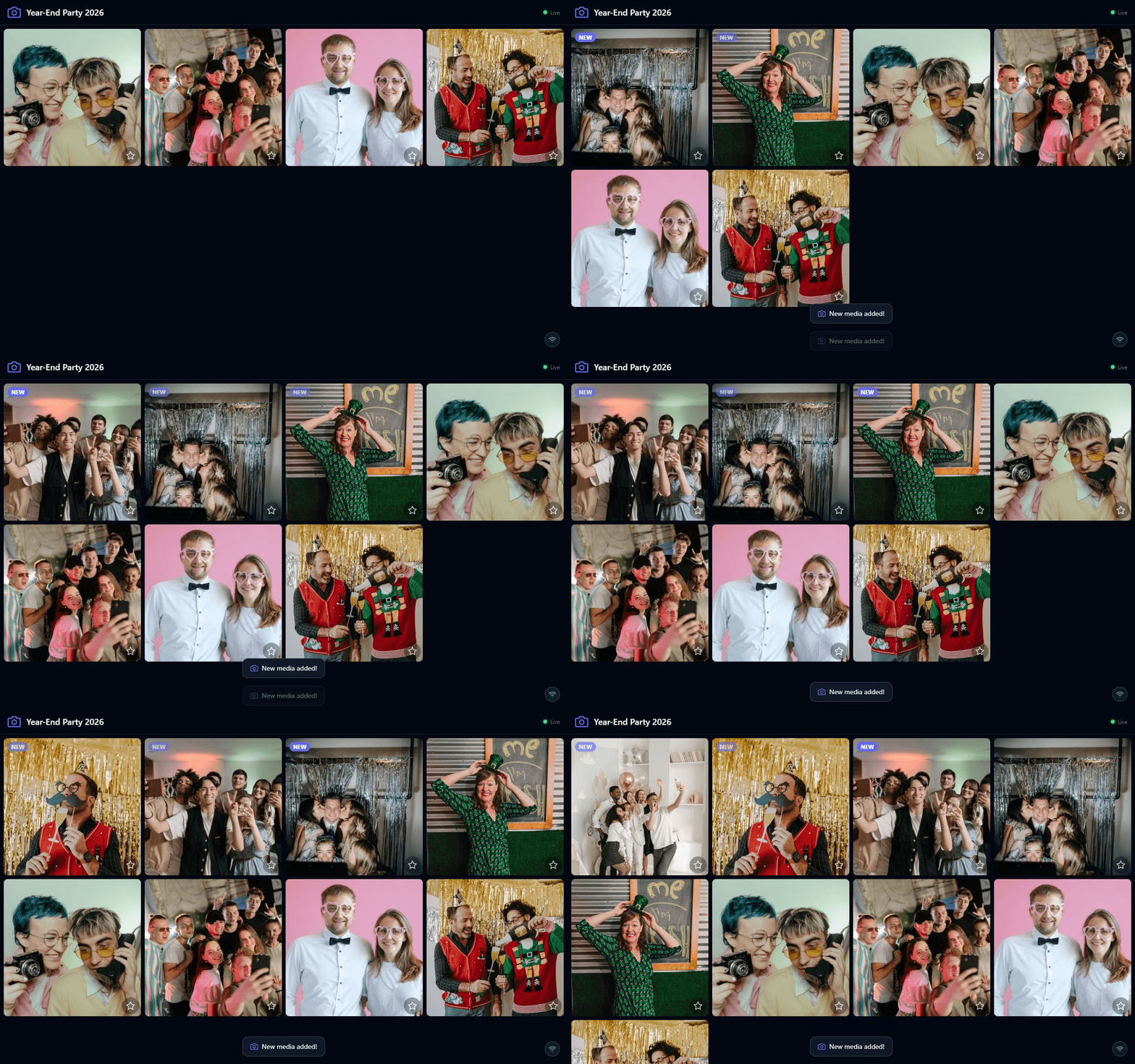
Guest gallery filling with new photos as they are taken

Shots appear live

New photos and videos show up in the gallery as soon as they're saved, with a NEW badge. Put the full-screen slideshow on a TV or monitor so the whole room sees them.
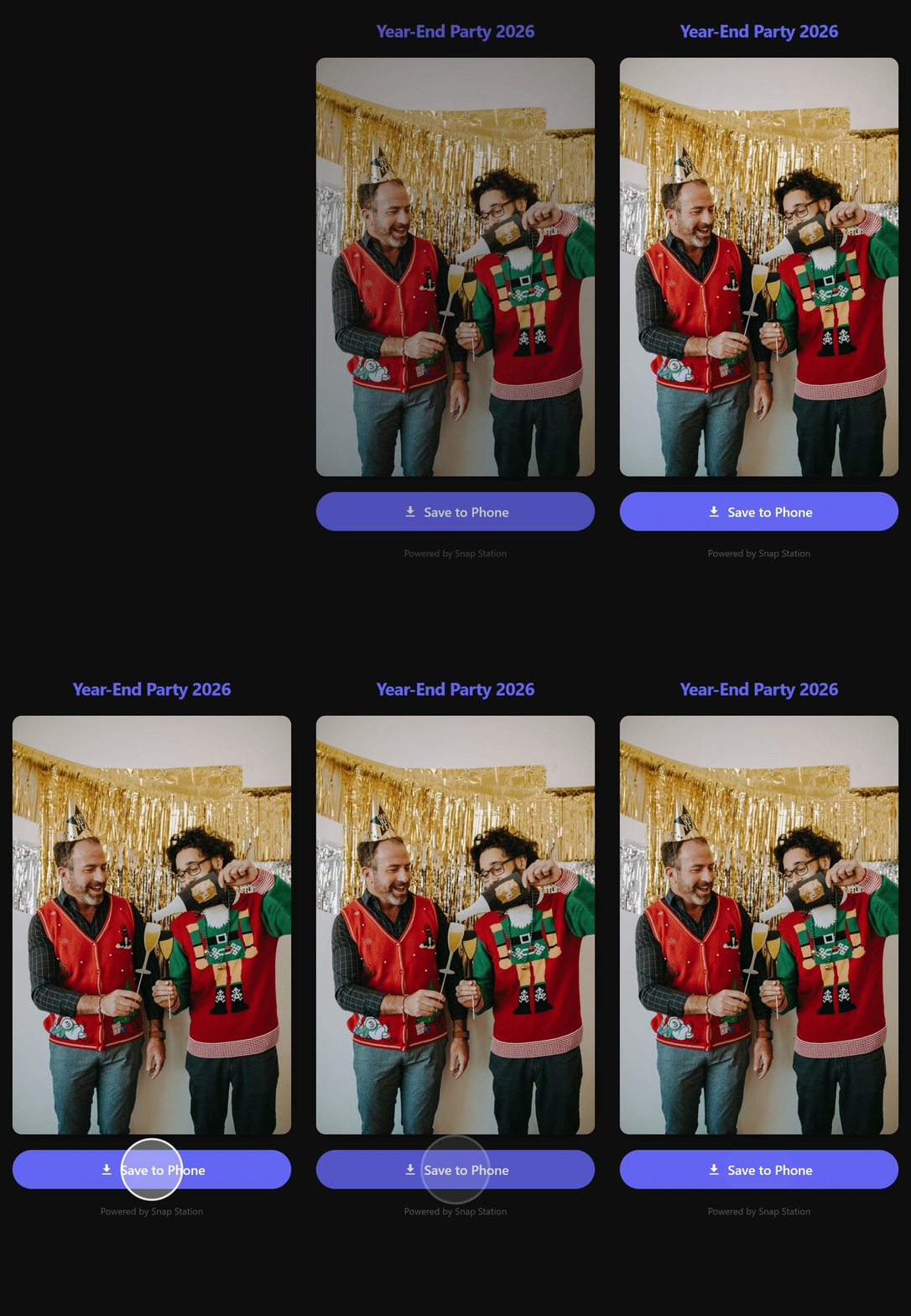
Photo download page on a phone with a Save to Phone button

Guests keep their photos

Each shot has its own QR code. Guests scan it, open the photo on their phone and save it in one tap. No app, no account.

No internet needed

One .exe on one computer. Guests connect over your WiFi.

Nothing leaves the room

Photos are never sent to the internet or to me, and your original files are never changed.

Works with your booth

Any booth or camera software that saves .jpg or .mp4 files into a folder.

Setup

How it works

  1. 01

    Install

    Run the installer. It installs for your user only, without admin rights. Tick “Let guests' phones connect” and answer Yes when Windows asks, so it can add the firewall rule.

  2. 02

    Open the admin page

    On that computer, open localhost:41217/admin and log in with the password admin. Change it right away: anyone on the guest WiFi could use it.

  3. 03

    Set up the event

    Choose the watch folder, enter the WiFi name and password for the guest QR code, and name the event.

  4. 04

    Share the address

    Guests join the WiFi and open the gallery address shown on the Overview tab, or scan its QR code.

Before you install

Requirements

You need

  • A Windows 10 or 11 PC (64-bit)
  • Booth or camera software that saves .jpg, .jpeg or .mp4 files into a folder
  • A WiFi network guests can join. It doesn't need internet.

Demo terms

  • Free to use on computers you control, including at real events.
  • Each build stops starting 60 days after its release. A session already running is never stopped.
  • Please don't share the installer. Send people to this page instead.
  • Pre-release software, provided as is. Always keep your own copy of every photo.
  • The installer shows the full terms.

SHA256 of SnapStation-Setup.exe, version 0.0.7. Check that the file you get matches it.

e334bc70c2deacc552a6165298c64cd88954a185bffa3247bfc4982ec2552bf8

Help

FAQ

Does it need internet?

No. Snap Station and your guests' phones only talk over the local WiFi.

Will it change or delete my photos?

No. It only reads the watch folder. Uninstalling removes Snap Station's own data, never your original files.

Photos don't show up in the gallery

Check that the watch folder is a full path (like D:\Booth\Photos) and that files are saved directly in it, not in subfolders. Only .jpg, .jpeg and .mp4 files are picked up, once they've finished copying.

Phones keep loading forever

Something between the phone and the computer blocks the connection. Use Test with your phone on the admin Overview tab. The usual causes: the phone is on another WiFi, Windows Firewall blocks snapstation.exe (in Windows Security, open “Allow an app through firewall” and tick Private and Public for it), or the router keeps WiFi devices apart, which is common on guest networks.

QR codes open the wrong address

The computer has several network adapters. Pick the right one under Address override on the admin System tab.

Thumbnails are slow during heavy shooting

Keep the laptop plugged in with a high-performance power plan. On battery, it handles about 2 photos per second instead of 7.

I forgot the admin password

On the computer running Snap Station, open localhost:41217/admin and click Forgot your password? to set a new one. It only works from that computer.

Get it

Request the demo

Email me where and when you'll use it, and I'll reply with a link to download the current build.

Email contact@0hte.dev

Nothing opens? or write it in Gmail.